
Phone protection from viruses and hackers
Why it is more important than ever to look after your personal data
Every day we share our personal financial data with online-shops, apps, and games. Though only a few of them can provide appropriate security conditions. That is precisely why it’s also important to take care of data security yourself.
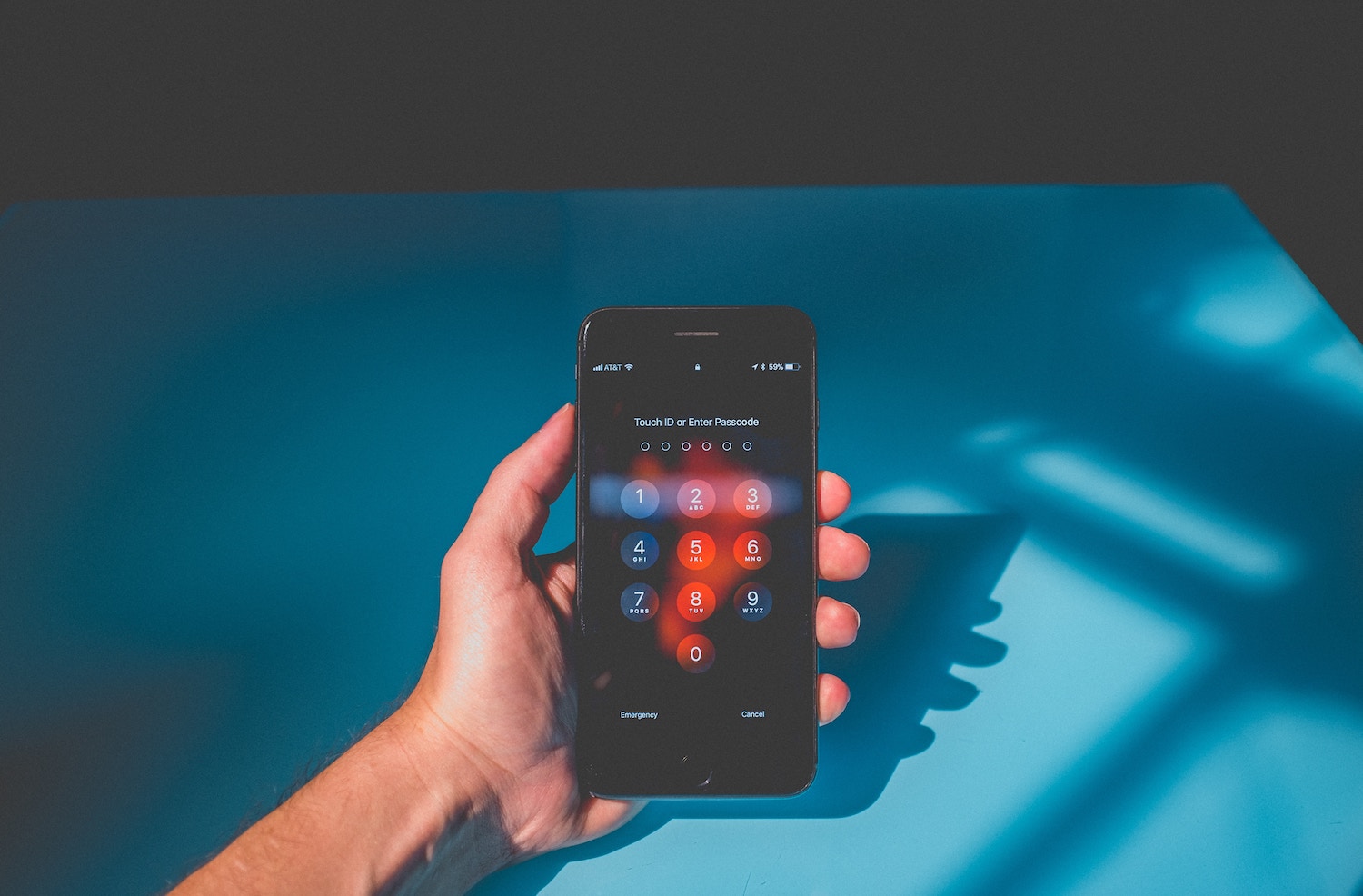
How to protect personal financial data
In fact, it’s pretty easy. To demonstrate that, we put together a list of 6 tips about how to use mobile devices and applications and reduce the chance of unwanted access to your data.
A safe start. Problems can appear from the very beginning when you get a cellphone. Try to avoid rooted and jailbroken devices. Rooted or jailbroken devices may have built-in security protections disabled, which can increase the risk of unauthorized access. You can use different apps for checking your phone like «Root Check»
If it’s possible use finger or face scanner
You have to fill in sensitive information such as your card data first to use some apps. That’s why you shouldn’t download software from suspicious sites and stores. Use official app stores (App Store, Google Play), check the developer and read the privacy policy before sharing data.
Read the app's privacy policy before agreeing to it. Check what data the app collects and whether it shares that data with third parties.
Remember you can regulate apps’ privacy settings and control amount of your personal data they can receive. If you find an app fishy open device settings and limit its access to data.
Completely ignore pop-ups, emails and links from unknown senders. That’s how many people get victims of phishing or get viruses.
Moneon and Privacy
People record expenses and income in Moneon. Use your device's privacy settings to limit access to personal data.
Read the current privacy policy before using the app to understand how your data is processed.
If you have any questions please feel free to contact us via support@moneon.co or «Help» in app’s Settings and we will help you